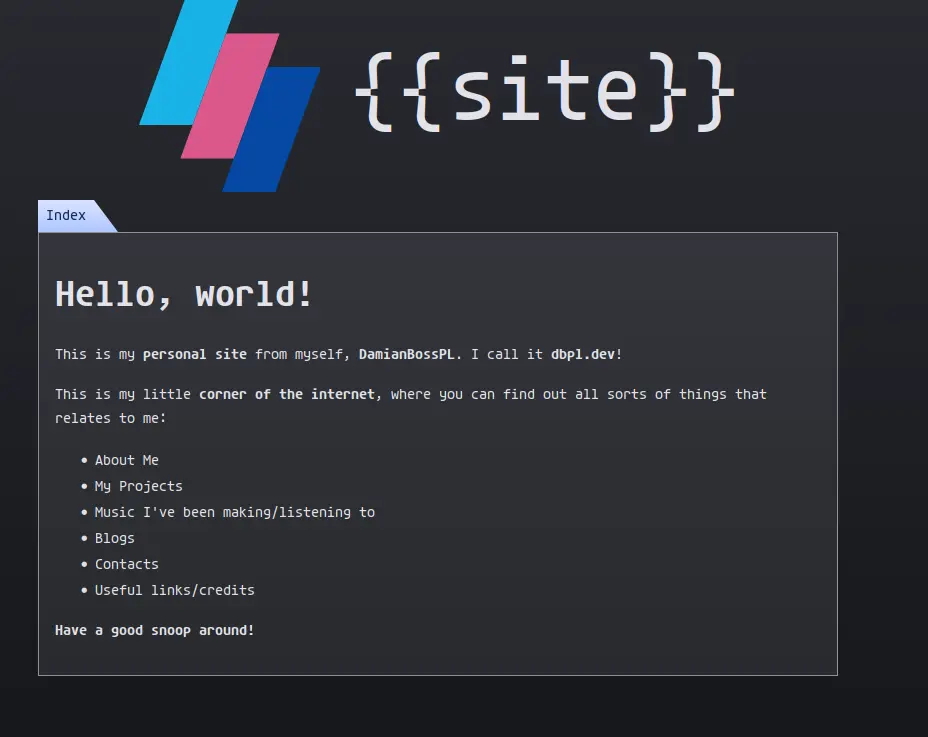

Spending a whole day coding a fucking website
I see that many of my friends are making their own sites, and they actually look good, and polished. Mine does too.. but eh, it could be better. I check out their codebases: looking pretty good too. I look at mine: eugh.. I have no clue to why I agreed with myself to do the following:
- Have an assets folder but have
/js - Have all css in one file UNCOMMENTED
- Severely lacking embedding metadata
- Blogs are the most basic shit ever
- Blog listings reuse random shit from the pod buttons
- Naming it "Blogs" is overly generic
- No sense of time when blogs were written
- Just no
That is why today, I have decided to revamp my website so that it can actually satisfy me again, both visually and code-wise.
Organising
I started by reorganising the file structure on my website. Fairly simple task,
like moving /js to /assets/js, renaming /assets/images to /assets/img,
creating an /assets/css folder, and more.
CSS
When I was done reorganising the structure, I went to redo the css. I decided to
have a styles.css file, which imports all the other css files. I separated the
css into 4 different files, which include root variables, site css, markdown,
and overlay css. Most importantly, COMMENTS!! I added comments so that I can
tell what's going on from a quick glance. Also important, I changed/removed
unneeded css styling that mainly came from my first iterations of the LBP themed
site. Originally, the nav and polaroid was inline with the content box, which
did not scale well with mobile at all. Besides, it looks cleaner when the nav is
above the content box.
Embedding
Besides the css, I also implemented better embedding. Thanks to OpenGraph, I added some metadata to the website that will make embedding look better on platforms. Thumbnails is one thing I did, and it is pretty cool, especially with dev posts. I forgot to disclose that I renamed Blogs to Dev Posts. I possibly plan to add more metadata in the future. But for now, I have sufficient enough metadata for embeds.
Dev Posts
I struggled quite a bit with this, specifically with listing posts. I'll get to that later though. I first wanted to try implmement showing thumbnails inside the blog post content itself, without manual labor. This didn't turn out correct because my dumbass can't understand how Eleventy, this site's backend, works. This is likely thanks to the fact I'm making each page generate twice to support seamless page navigation. But I'm not giving that up. So, I'll probably leave thumbnailing inside posts for another day, or I might do it manually, probably not.
In part of renaming blogs to dev posts, I renamed the folder containing the
posts from /blogs to /posts, which looks way better.
Finally, I needed to make showing the post listings better. I first opted to improve the css in general for each entry. I did this by scrapping the idea of reusing the pod button, and just write actual good css for once. It turned out pretty great. I also noticed that entries looked a bit bland, so I added a created timestamp for each post. This is handled automatically by Eleventy, which uses the post file's git created date. First blog post was 24th May jesus... Each entry now shows these:
- Thumbnail
- Title
- Date created
- Description
Rant on HTML CSS JS
Now I'm not saying that these are fundamentally bad, since without those, this
site wouldn't exist. But throughout this journey today, I had to battle and
juggle all 3 of these languages. I tried learning about semantic HTML tags, so
that maybe search engines and other shit can parse my shit better, but shit went
shit. Some areas it was alright. But holy hell, I couldn't decipher what the
hell <figure> does.
CSS doesn't like to inherit by default. That's fine until I have an <a> tag
styled to be bold, but I put a <p> tag inside it and its normal weight. What
the fuck is the meaning of that? So I got pissed off and set the global font in
<html> and targeted * to font-family: inherit; and be gone.
JavaScript, JavaScript, JavaScript, JavaScript, JavaScript, JavaScript... As
much as I love working with you, using you in web development is shit. I don't
know why, but neovim doesn't give me fucking intellisense for DOM shit and
whatever. I had to constantly console.log and research documentation to figure
out what I was doing. I managed to do it in the end, but I'm wondering one
question: How do I export a variable in the HTML document inside a <script>
tag, and then be able to use it in another JS file?
Conclusion
Whatever the hell, I did it. I actually did it. I'm happy with my site now, and hopefully I don't have to do a long coding session again. One more note, I did try to redesign my site, but I can't just leave the LBP design like that; it has more life. Anyways, this is what it looked like before I gave up: